
Round-up
The best asset management apps in 2026
An asset register is only as current as the last time somebody updated it, and that happens on a phone, beside the equipment, or not at all. These are the asset management apps worth putting on those phones.
What is the best asset management apps?
The best asset management app is the one the people handling equipment will actually open. For issuing equipment with a signature and counting it offline, Stackroom. For photo-led inventory, Sortly. For AV and media checkout, Cheqroom. For RFID, itemit or EZOfficeInventory. For maintenance work orders on the move, UpKeep or Limble.
The category
What makes a good asset management app?
Most asset management products have an app. Far fewer have one that lets somebody finish the job standing next to the equipment. Four things separate them.
The camera is the scanner
A good app reads QR codes and barcodes with the phone camera, so everyone who handles equipment already has a scanner and nothing needs buying to start.
It works without a signal
Basement stores, plant rooms and remote sites are exactly where scanning happens. Scans and handovers should queue on the device and sync later, not fail.
The whole job fits on the phone
Issuing with a signature, checking in with condition, reporting a fault and walking an audit should all be possible without returning to a desk.
Everyone can have it
If every app login is a paid seat, only a few people get one, and the register is updated second-hand. Check how the vendor prices the people who only scan.
How this list was made
Our rules for this page
- Only tools with an official iOS and Android app, checked on the App Store and Google Play, and only tools we have written a full comparison against.
- We say an app works offline only where that is verified. For the rest, ask the vendor whether scans and handovers queue on the device.
- Every entry names a limitation, and pricing is described as a model rather than quoted.
- No affiliate links, no paid placements, and the order follows fit rather than preference.
Competitor details verified . Tell us if something is out of date.
11 tools
The shortlist
| Tool | Type | Pricing model | Mobile apps |
|---|---|---|---|
| Stackroom | Asset lifecycle & custody | Plans by features and asset limit; unlimited users on every plan, free tier included | iOS & Android, works offline |
| Sortly | Inventory & stockroom | Item count plus user licences; free for 100 items | iOS & Android |
| Cheqroom | Equipment tracking & checkout | Per administrator, three-admin minimum | iOS & Android |
| EZOfficeInventory | Equipment tracking & checkout | Item count, features gated by tier; users unlimited | iOS & Android; offline on Enterprise |
| itemit | Equipment tracking & checkout | Asset count and user count together; no free plan | iOS & Android |
| Reftab | Equipment tracking & checkout | Free for 50 assets, then a flat plan with unlimited users | iOS & Android |
| Asset Panda | Equipment tracking & checkout | Quote only | iOS & Android |
| Timly | Equipment tracking & checkout | Module tiers with unlimited users; no free plan | iOS & Android |
| AssetTiger | Inventory & stockroom | Asset count bands; users unlimited; no free plan | iOS & Android |
| UpKeep | Maintenance & CMMS | Per licensed user (admins and technicians) | iOS & Android |
| Limble CMMS | Maintenance & CMMS | Per user, via a pricing calculator | iOS & Android |
Mobile apps as listed on the App Store and Google Play on .
Stackroom
That is usBest for: Issuing equipment against a signature, checking it back in with condition and running audits on a phone, with an offline queue and AI photo autofill when registering new assets.
The limitation: QR codes and barcodes only, no RFID, and not a CMMS or warehouse system.

Sortly
Inventory & stockroomBest for: Photo-led inventory where people find things by looking, in a genuinely pleasant mobile app.
The limitation: Items have a place rather than a holder: no custody, bookings or audit workflow, and tiers cap items and users.
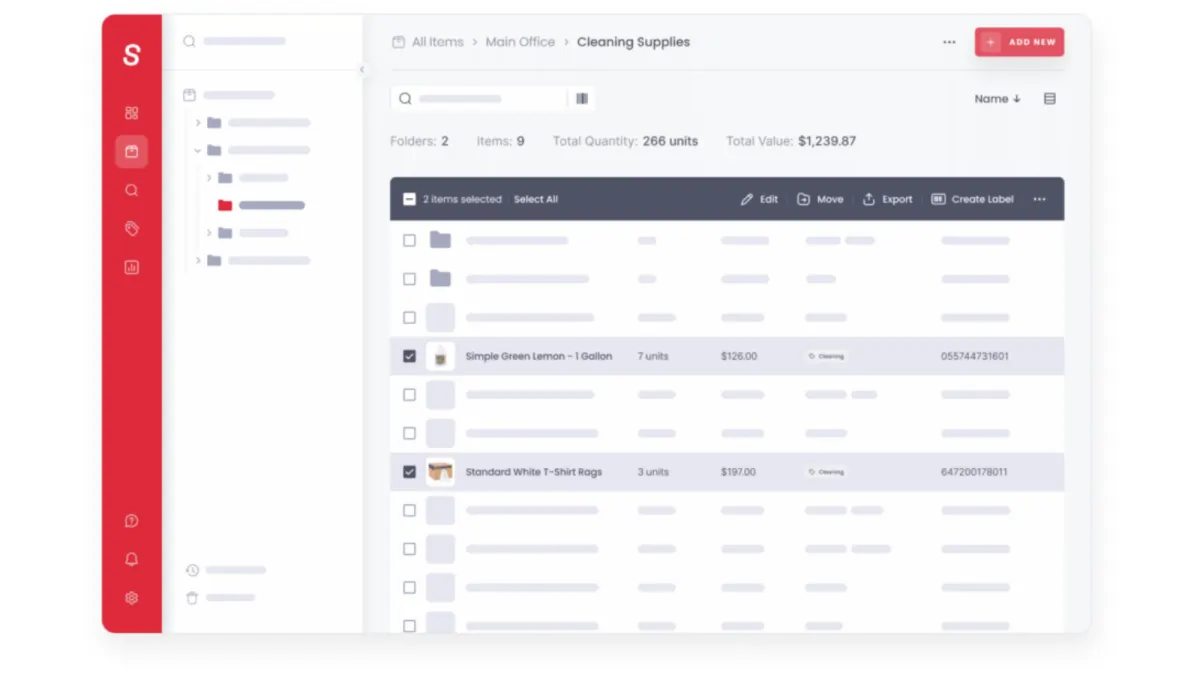
Cheqroom
Equipment tracking & checkoutBest for: AV, media and education checkout, with a polished booking experience and kit grouping.
The limitation: Per-administrator pricing from three admins; audits need the Business plan and maintenance work orders are a paid add-on.
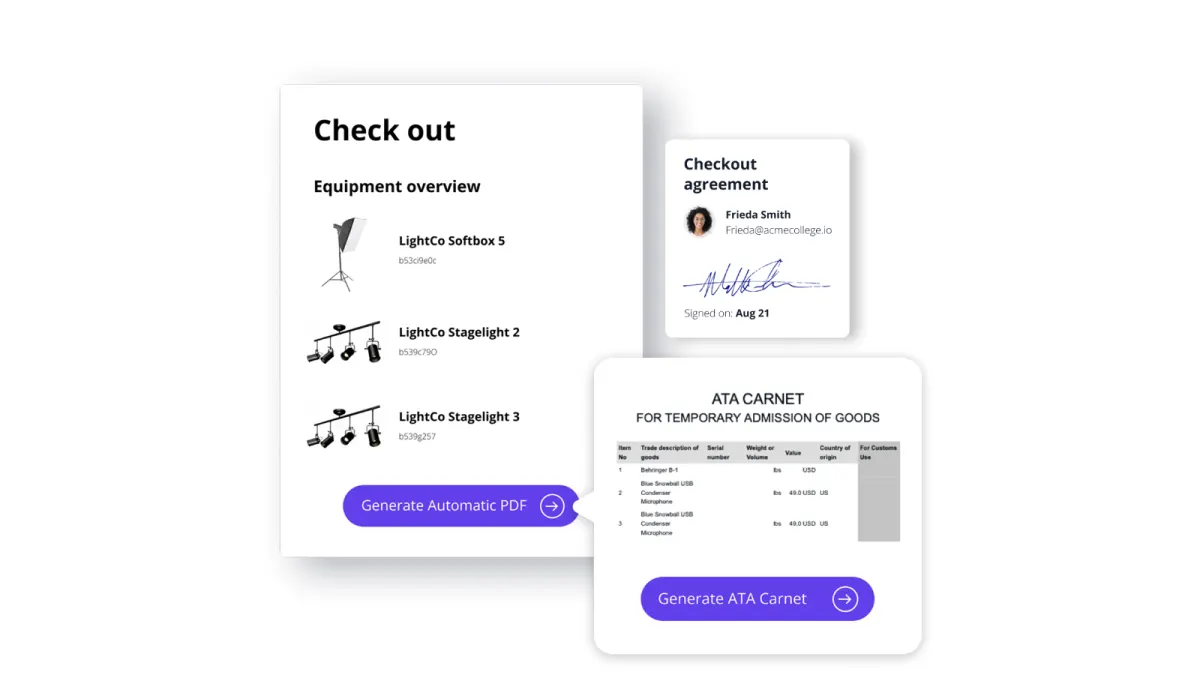
EZOfficeInventory
Equipment tracking & checkoutBest for: Larger estates that want RFID, purchase orders and deep configuration behind the app.
The limitation: Offline mode is listed on Enterprise only, and features are gated by tier.
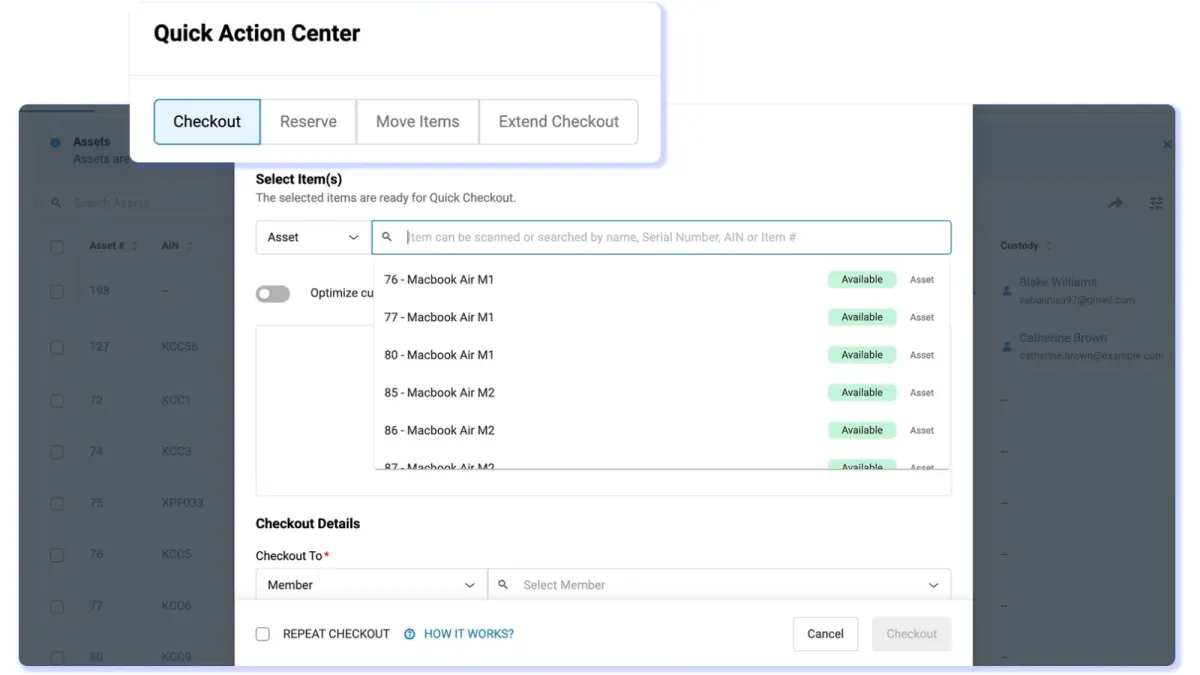
itemit
Equipment tracking & checkoutBest for: Simple tagging with RFID support and a very short path from download to a tagged asset.
The limitation: The entry tier caps assets and users together; bookings are limited and audits basic.
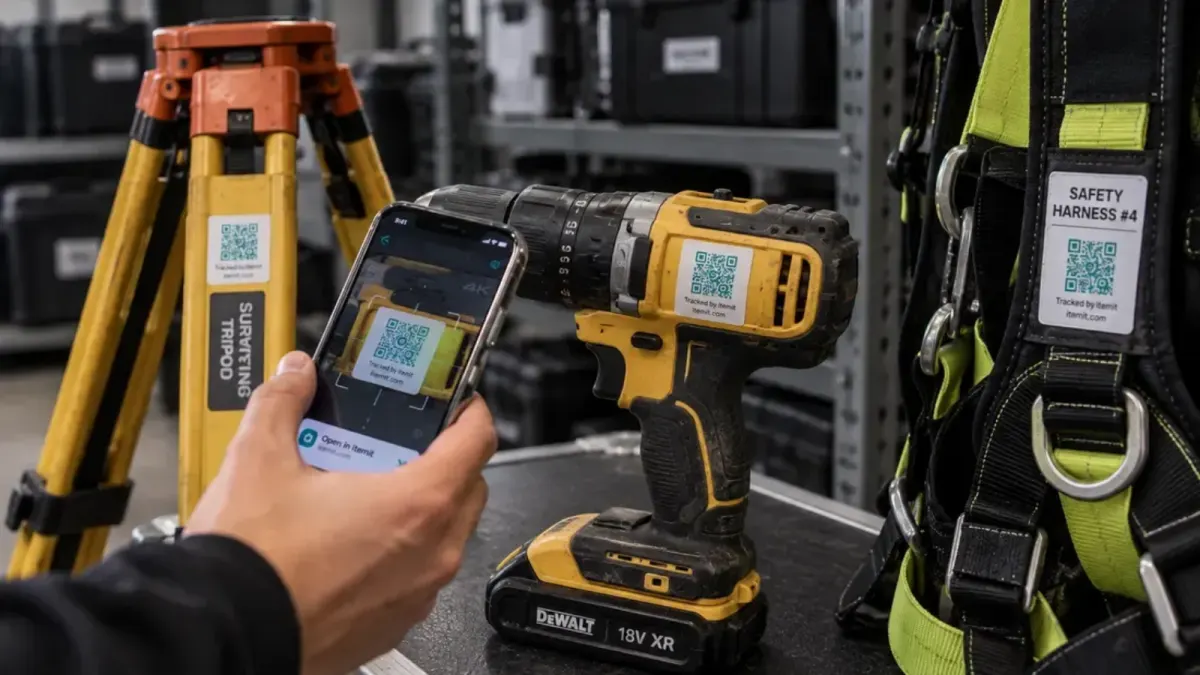
Reftab
Equipment tracking & checkoutBest for: Small IT teams checking hardware in and out with loan agreements, at a low price.
The limitation: IT-oriented, and thin on maintenance tickets, cycle-count audits and location history.
Asset Panda
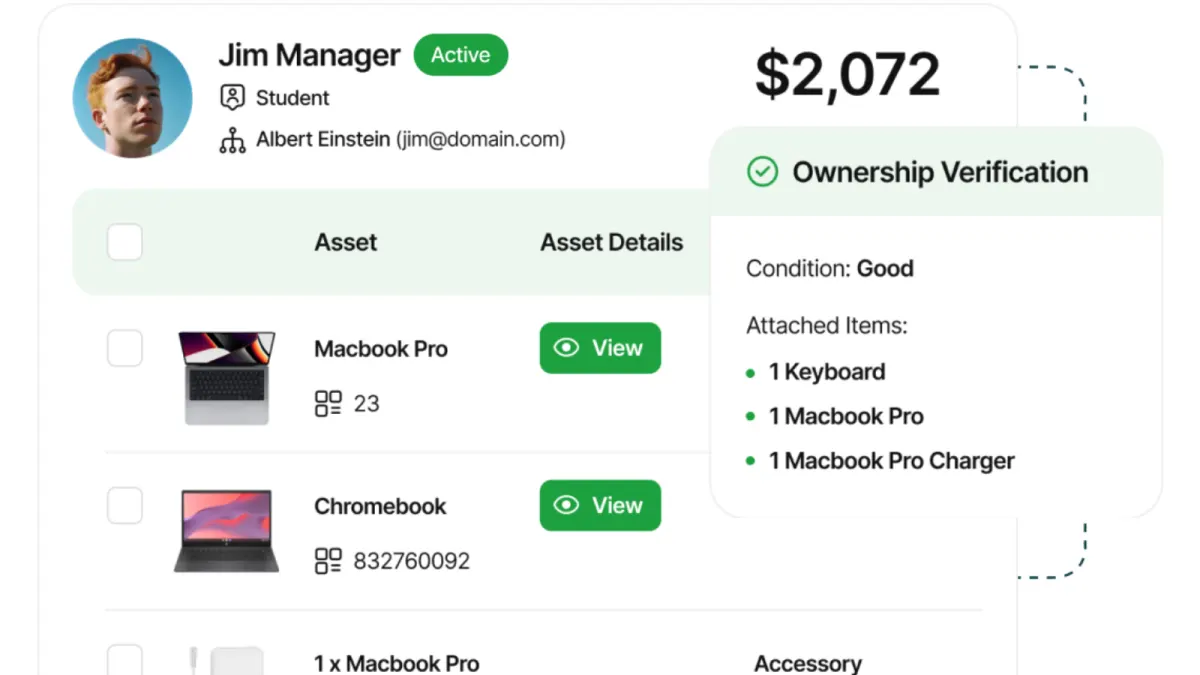
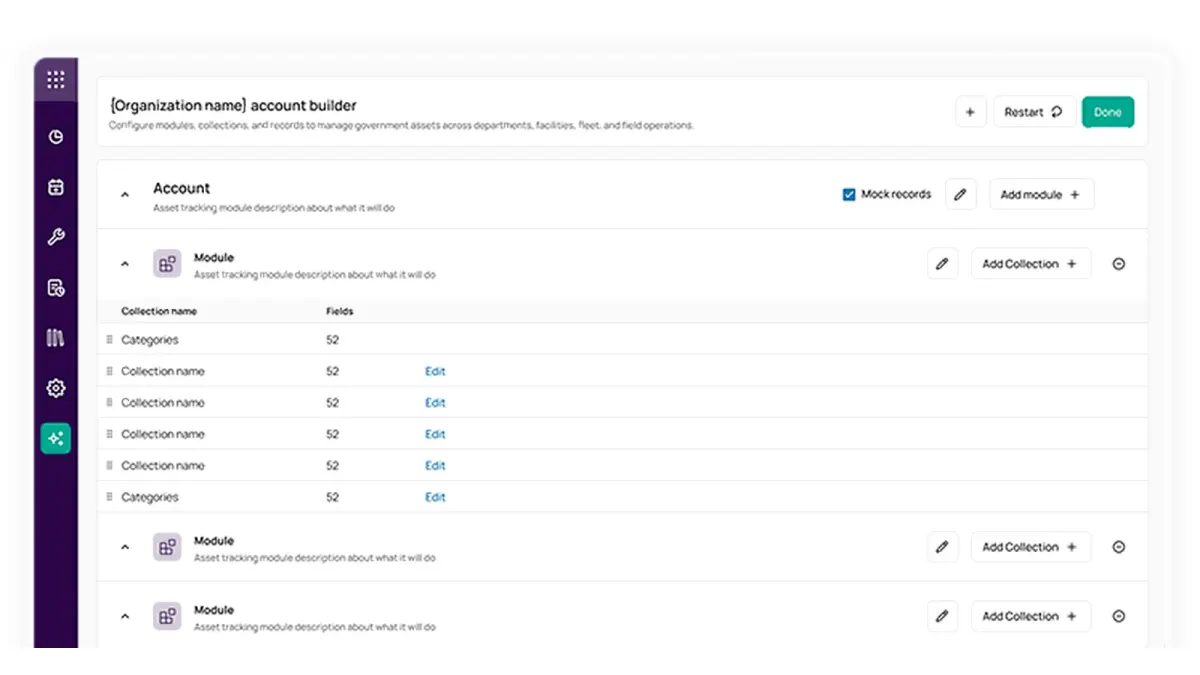
Equipment tracking & checkoutBest for: Bespoke processes with someone to configure them, with unlimited users on the app.
The limitation: Configuration is a project in its own right, and pricing is quote-only.
Timly
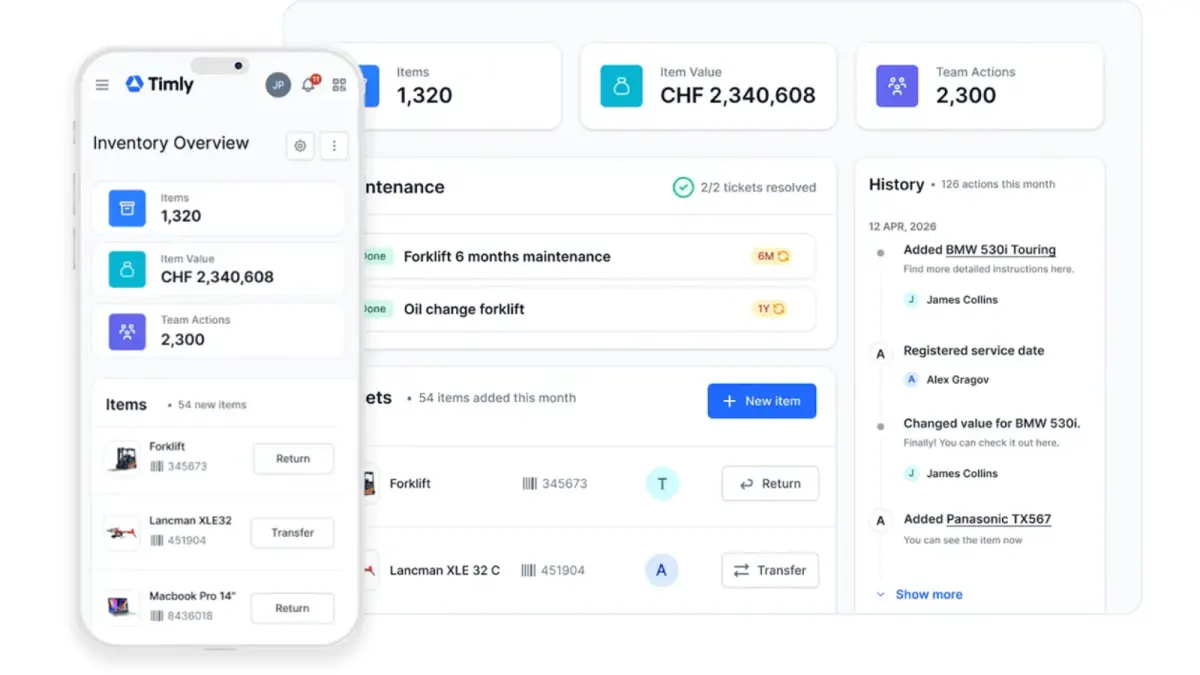
Equipment tracking & checkoutBest for: European teams tracking IT, machinery, tools and vehicles in one register, with iOS and Android apps.
The limitation: No free plan, and custody is assignment rather than a signed chain.
AssetTiger
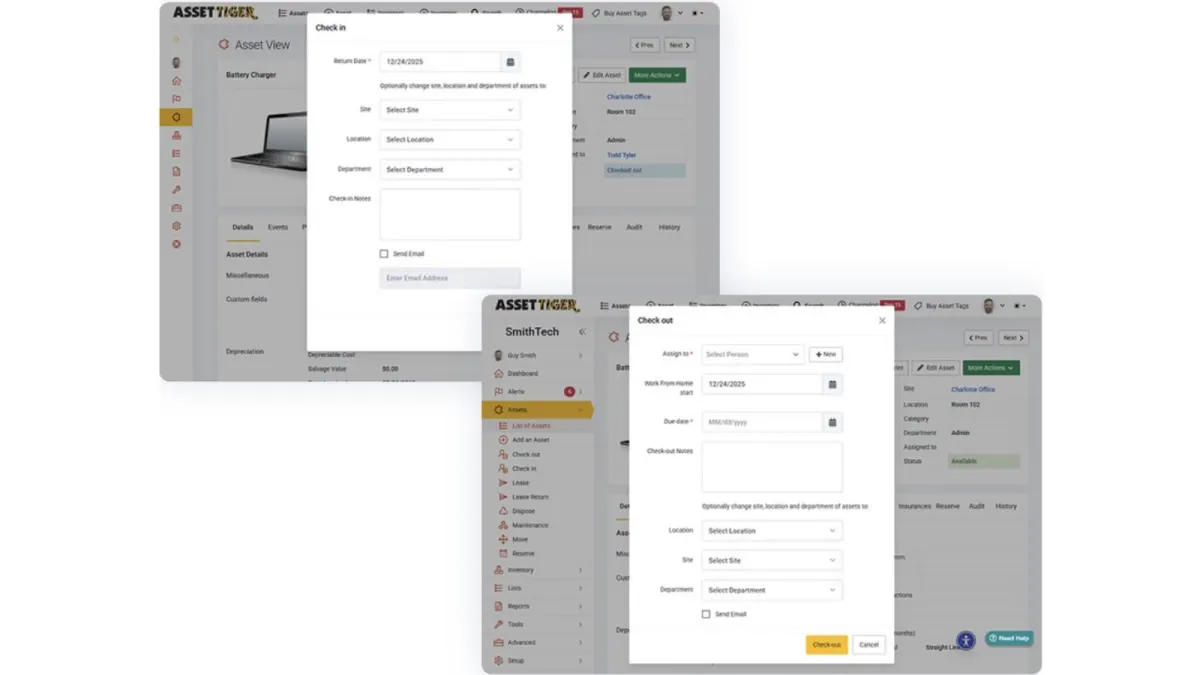
Inventory & stockroomBest for: A low-cost register with iOS and Android apps, and users, sites and locations unlimited on paid tiers.
The limitation: No signatures, no bookings and no webhooks, and the 30-day trial drops to view-only.
UpKeep
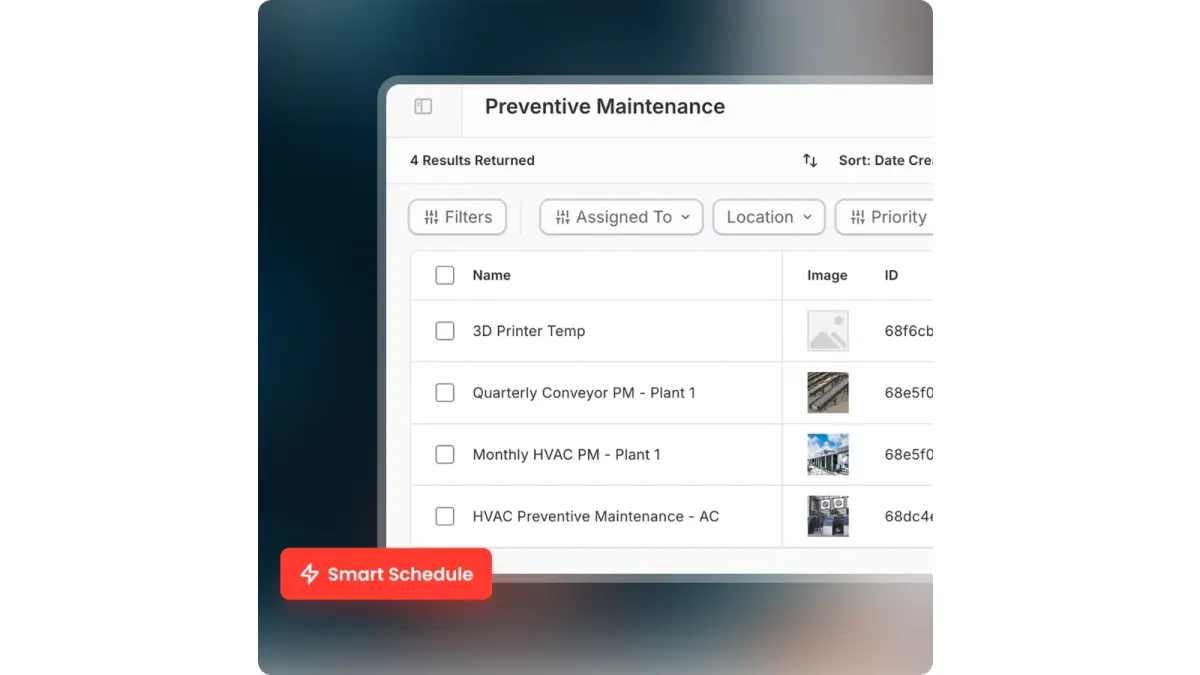
Maintenance & CMMSBest for: Technicians raising and closing work orders and preventive maintenance from the field.
The limitation: A CMMS: no custody chain, no reservations and no physical count workflow.
Limble CMMS
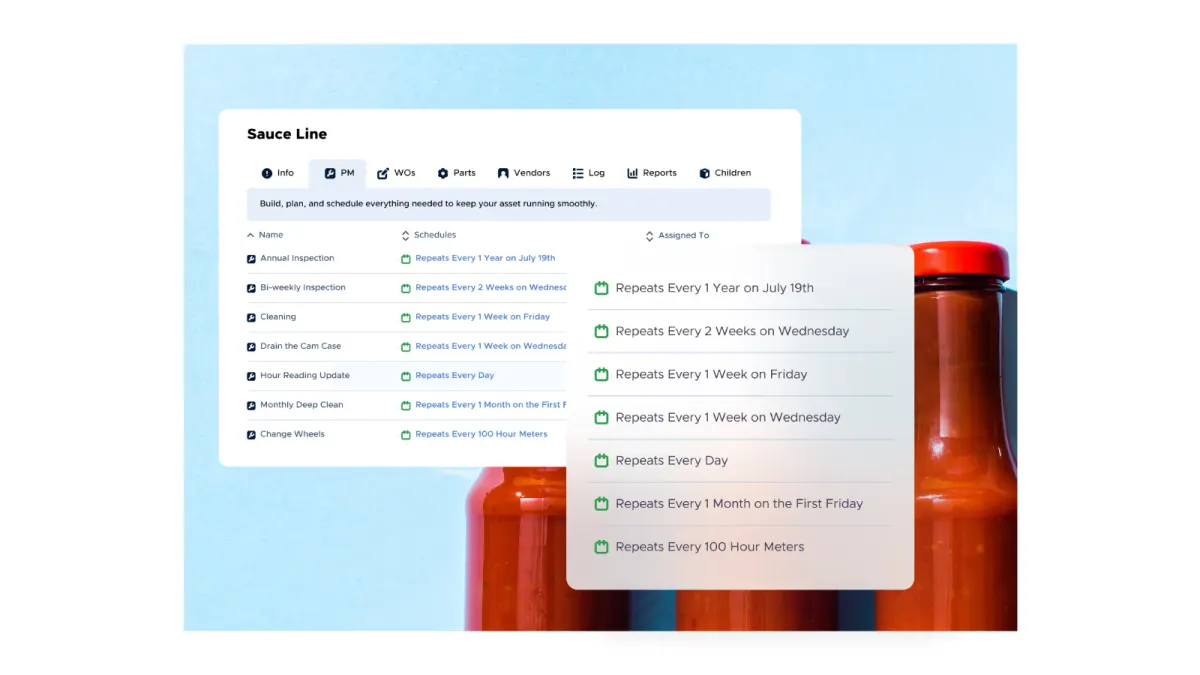
Maintenance & CMMSBest for: Maintenance teams that want a CMMS app technicians adopt quickly, with parts and meter-based triggers.
The limitation: No published price list, and custody, bookings and audits are not what it is built for.
FAQ
Common questions
Is there a free asset management app?
Yes. Sortly's free plan covers 100 items and one user, Reftab is free for up to 50 assets, and Stackroom's free tier includes its iOS and Android apps with unlimited users. AssetTiger's app sits behind a 30-day trial rather than a free plan.
Can I track assets with just my phone?
Yes. A phone camera reads QR codes and barcodes, so labels plus an app is a complete setup for most offices, schools and workshops. Dedicated scanners and RFID readers only pay off for dense stock with frequent full counts.
Do asset management apps work offline?
Some do, and it matters more than it sounds. Stackroom's app is offline-first, queuing scans and handovers on the device. EZOfficeInventory lists offline mode on its Enterprise tier. For any other app, ask the vendor specifically whether scans and handovers queue on the device or fail without a signal.
What is the best equipment tracking app?
For equipment that changes hands, pick an app that records a signature at handover and works offline: Stackroom, or Cheqroom for AV and media teams. If the equipment mostly needs servicing rather than tracking, a maintenance app such as UpKeep or Limble fits better.
Should every employee have the app?
Everyone who handles equipment should be able to record what they do with it, or the register falls behind. That makes per-user pricing the thing to check first: some tools charge only for administrators or not per user at all, which makes giving everyone the app affordable.
Try it rather than read about it
The free tier has unlimited users and is meant for real use. Import your data and run an actual checkout before you decide.