
Round-up
The best asset tracking software in 2026
Asset tracking software answers three questions about each thing you own: where it is, who has it and what state it is in. Every tool below does that. They differ in what they track best and in what they charge for.
What is the best asset tracking software?
The best asset tracking software depends on what you track and how you want to pay. For equipment issued to people, look at Stackroom, EZOfficeInventory and Cheqroom. For IT hardware, Reftab, AssetSonar or self-hosted Snipe-IT. For RFID, itemit or EZOfficeInventory. For a basic low-cost register, AssetTiger or Sortly's free plan.
The category
What is asset tracking software?
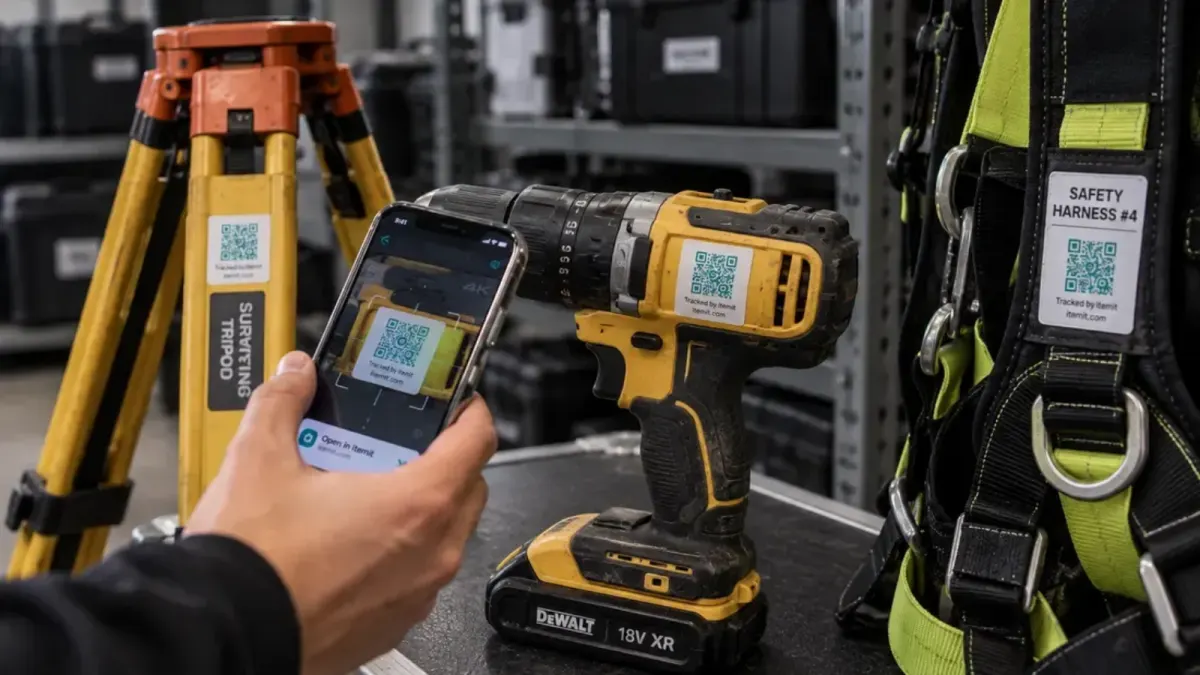
Asset tracking software gives each physical item an identity, usually a QR code or barcode label, and records every event against it: where it was scanned, who checked it out, when it came back and in what condition. The register is the result rather than the job. The job is keeping it true while things move.
QR codes and barcodes
Scanned one at a time with a phone camera, and almost free per label. Enough for most offices, schools, studios and workshops, where people look items up individually.
RFID
Reads many tags at once without line of sight. It pays off for dense stock and frequent full counts, at the cost of tags and readers. itemit and EZOfficeInventory support it; Stackroom does not.
GPS trackers
Report location on their own, without anyone scanning. They suit vehicles and high-value plant rather than laptops, tools and AV kit.
Asset tracking vs asset management
Tracking is the part of asset management concerned with location and custody. Broader asset management adds maintenance, service contracts, depreciation and disposal. Some tools here stop at tracking; others cover the whole lifecycle.
How this list was made
Our rules for this page
- We only list tools we have written a full comparison against, so every claim is backed by a page that also says when that tool beats us.
- Scoped to tools that track individual physical items. Maintenance platforms and pure network discovery are on the asset management list instead.
- Every entry names a limitation, and pricing is described as a model, never quoted as a figure.
- No affiliate links and no paid placements. The order follows fit, not preference.
Competitor details verified . Tell us if something is out of date.
11 tools
The shortlist
| Tool | Type | Pricing model | Mobile apps |
|---|---|---|---|
| Stackroom | Asset lifecycle & custody | Plans by features and asset limit; unlimited users on every plan, free tier included | iOS & Android, works offline |
| EZOfficeInventory | Equipment tracking & checkout | Item count, features gated by tier; users unlimited | iOS & Android; offline on Enterprise |
| Cheqroom | Equipment tracking & checkout | Per administrator, three-admin minimum | iOS & Android |
| Asset Panda | Equipment tracking & checkout | Quote only | iOS & Android |
| itemit | Equipment tracking & checkout | Asset count and user count together; no free plan | iOS & Android |
| Timly | Equipment tracking & checkout | Module tiers with unlimited users; no free plan | iOS & Android |
| Reftab | Equipment tracking & checkout | Free for 50 assets, then a flat plan with unlimited users | iOS & Android |
| AssetSonar | Workplace & remote IT | Per asset per month; unlimited agents | iOS & Android |
| Snipe-IT | IT asset management | Free to self-host; paid managed cloud | No official app (third-party apps exist) |
| Sortly | Inventory & stockroom | Item count plus user licences; free for 100 items | iOS & Android |
| AssetTiger | Inventory & stockroom | Asset count bands; users unlimited; no free plan | iOS & Android |
Mobile apps as listed on the App Store and Google Play on .
Stackroom
That is usBest for: Equipment issued to named people across offices and sites — signed check-out and return, bookings, maintenance tickets, warranty and AMC cover, and phone-based audits that work offline.
The limitation: QR codes and barcodes only, no RFID, no IT discovery and no on-premise option.

EZOfficeInventory
Equipment tracking & checkoutBest for: Larger estates that want RFID, purchase orders and deep configuration in one platform.
The limitation: Item-count pricing with features gated by tier, and offline mode only on Enterprise.
Cheqroom
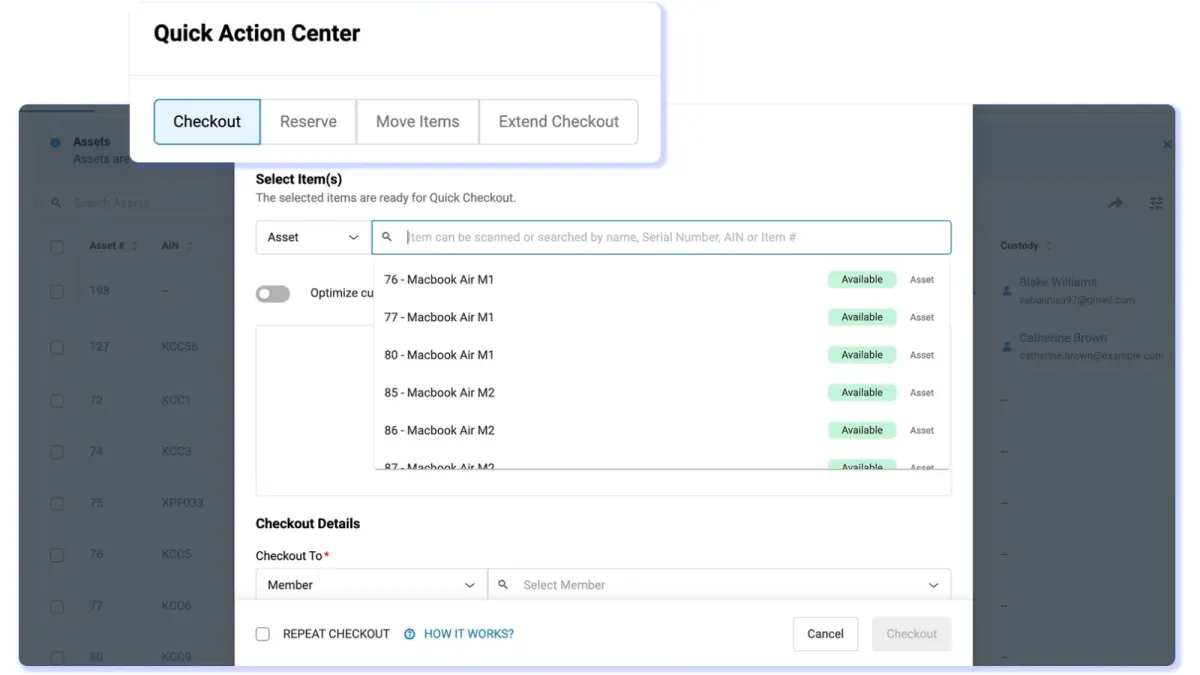
Equipment tracking & checkoutBest for: Media, AV and education checkout, with a polished booking experience and kit grouping.
The limitation: Per-administrator pricing from three admins; audits need the Business plan and maintenance work orders are a paid add-on.
Asset Panda
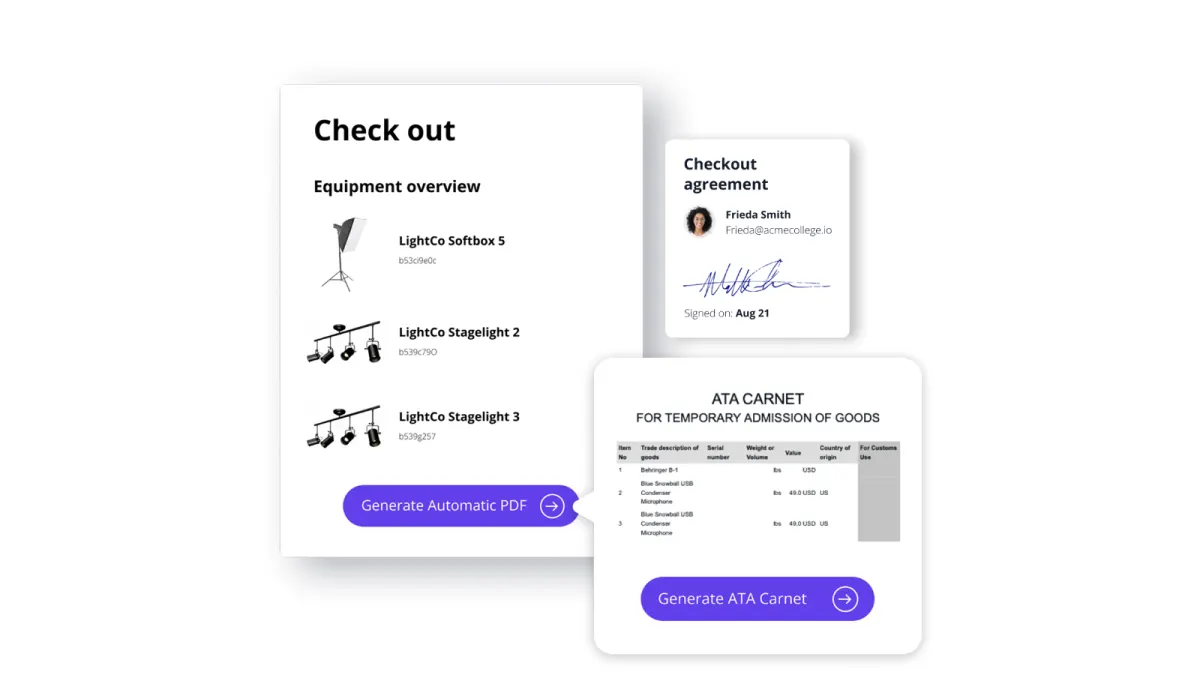
Equipment tracking & checkoutBest for: Bespoke tracking processes with someone to configure them, with unlimited users and depreciation reporting.
The limitation: Configuration is a project in its own right, and pricing is quote-only.
itemit
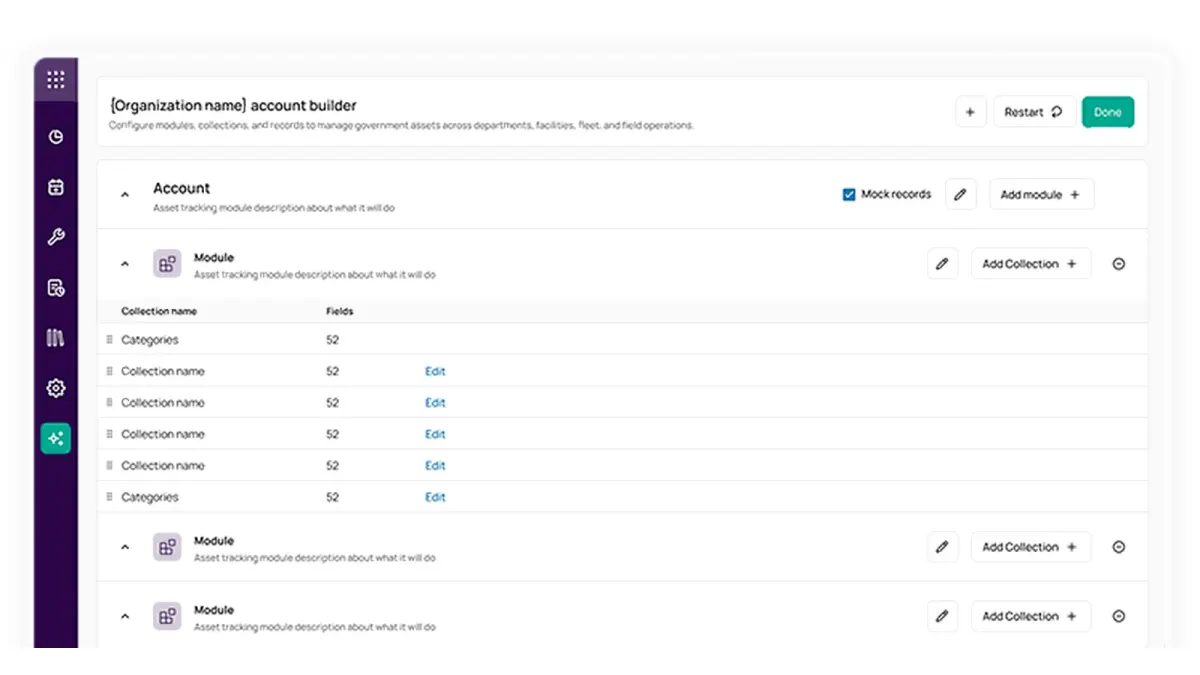
Equipment tracking & checkoutBest for: Simple tagging with RFID support and a very short path from signing up to a tagged asset.
The limitation: The entry tier caps assets and users together; bookings are limited and audits basic.
Timly
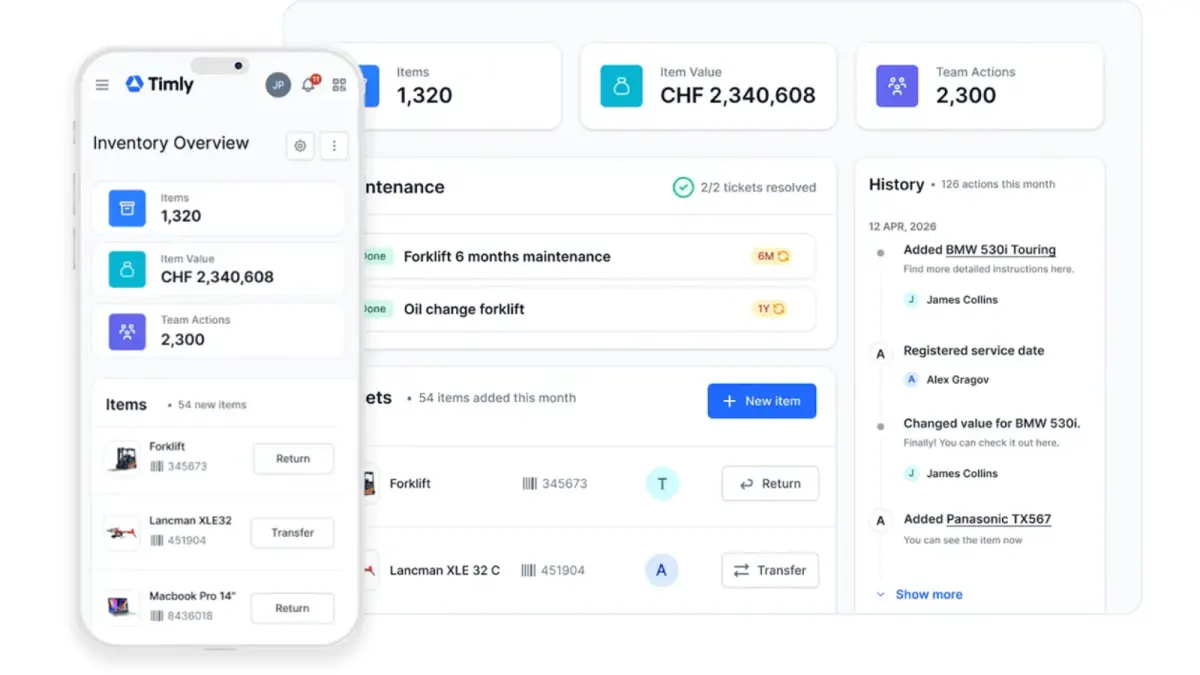
Equipment tracking & checkoutBest for: European deployments tracking IT, machinery, tools and vehicles in one register, with dedicated fleet support.
The limitation: No free plan, a long list of paid add-ons, and custody is assignment rather than a signed chain.
Reftab
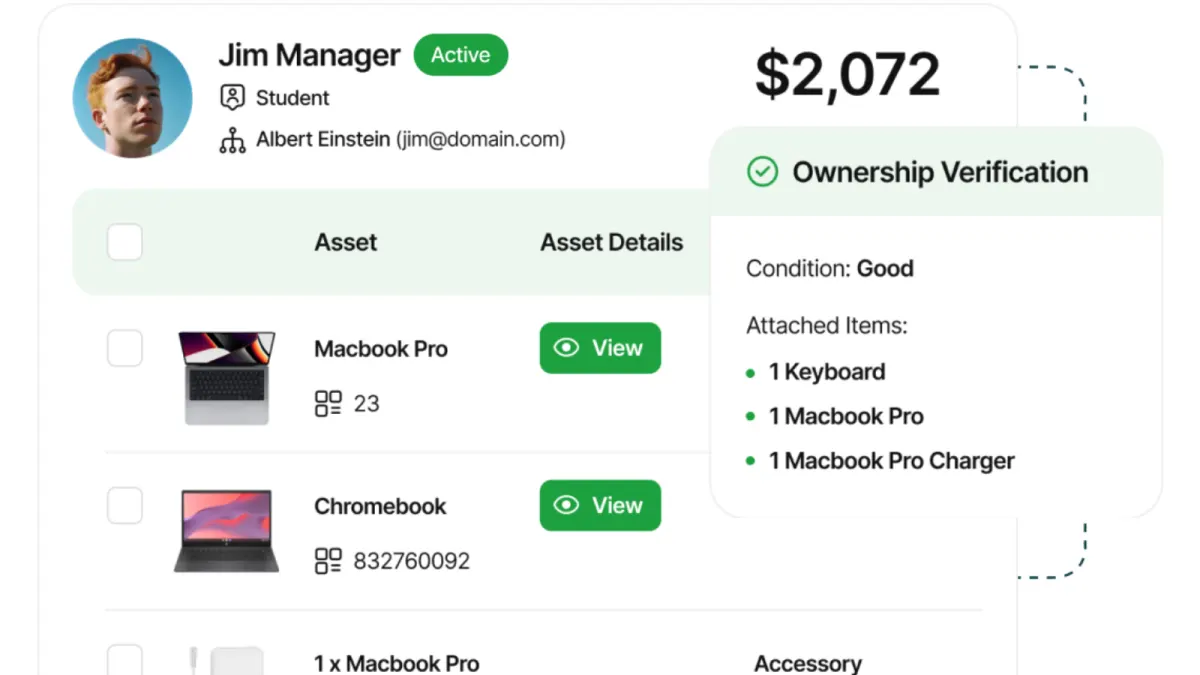
Equipment tracking & checkoutBest for: Small IT teams that want straightforward hardware checkout and loan agreements at a low price.
The limitation: IT-oriented, and thin on maintenance tickets, cycle-count audits and location history.
AssetSonar
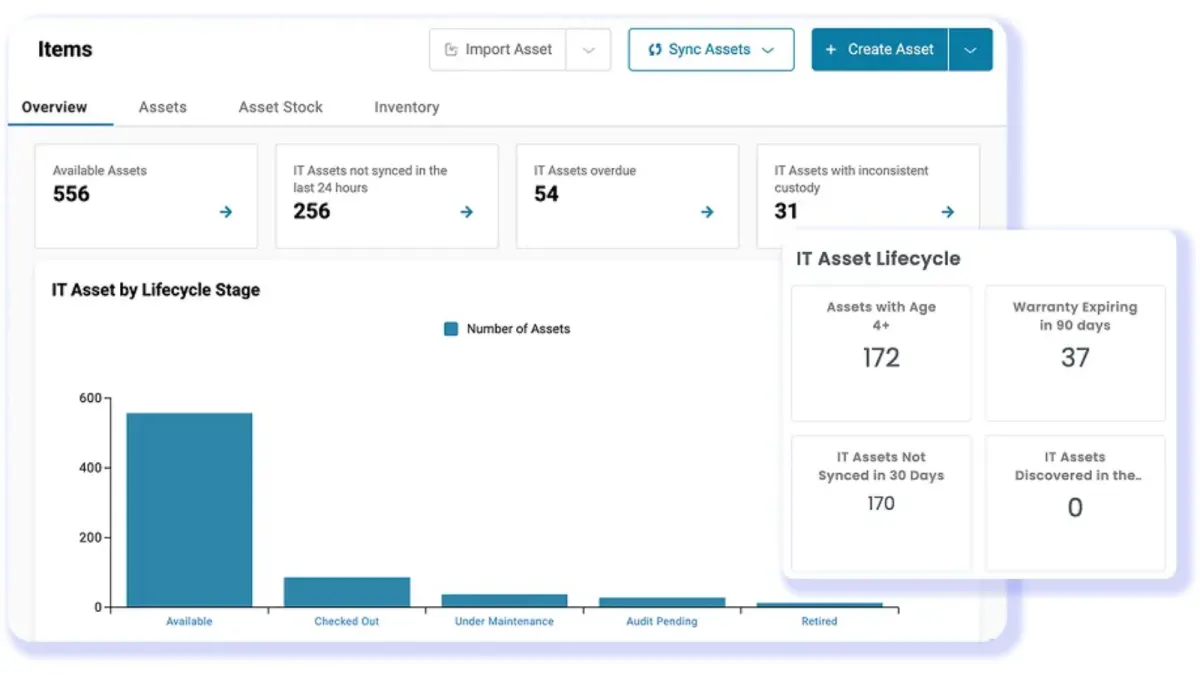
Workplace & remote ITBest for: IT estates that want hardware and software licences tracked together, with prebuilt MDM and discovery integrations.
The limitation: Every asset you add raises the monthly bill, and physical custody of non-IT equipment is not its focus.
Snipe-IT
IT asset managementBest for: IT teams that must self-host and have infrastructure staff to run it. Free and open source.
The limitation: Running it is the cost. Limited mobile, no bookings, and shaped around IT rather than general equipment.
Sortly
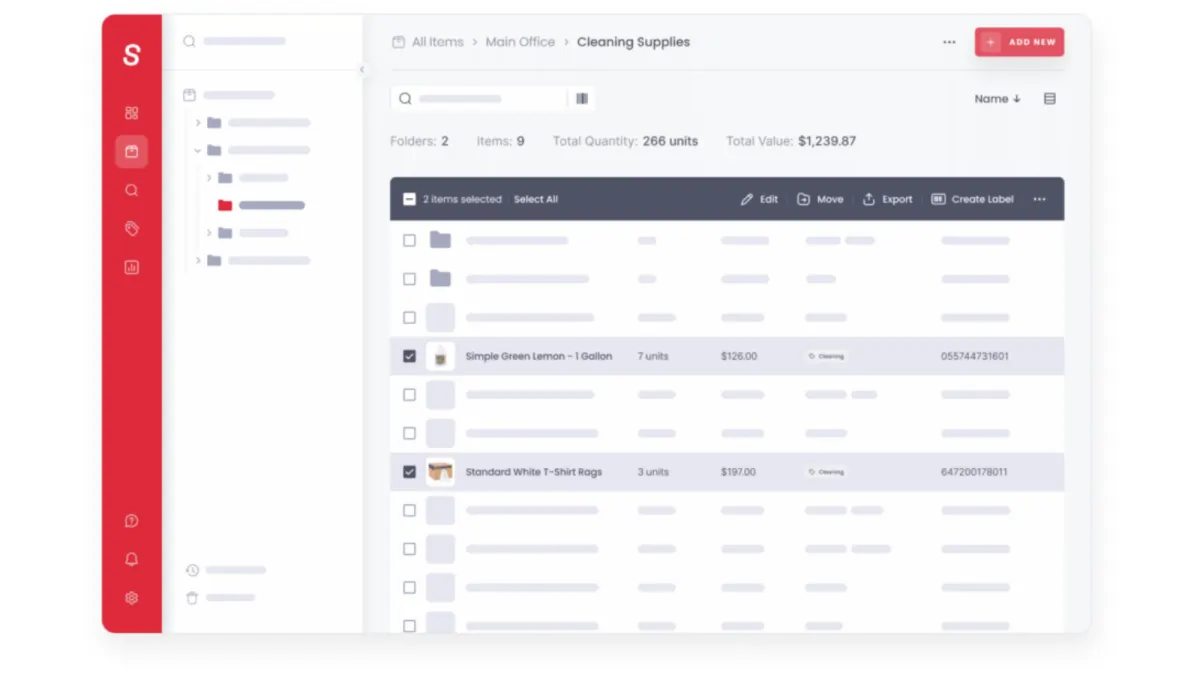
Inventory & stockroomBest for: Photo-led inventory where people find things by looking, and consumable stock counting.
The limitation: Items have a place rather than a holder: no custody, bookings or audit workflow, and tiers cap items and users.
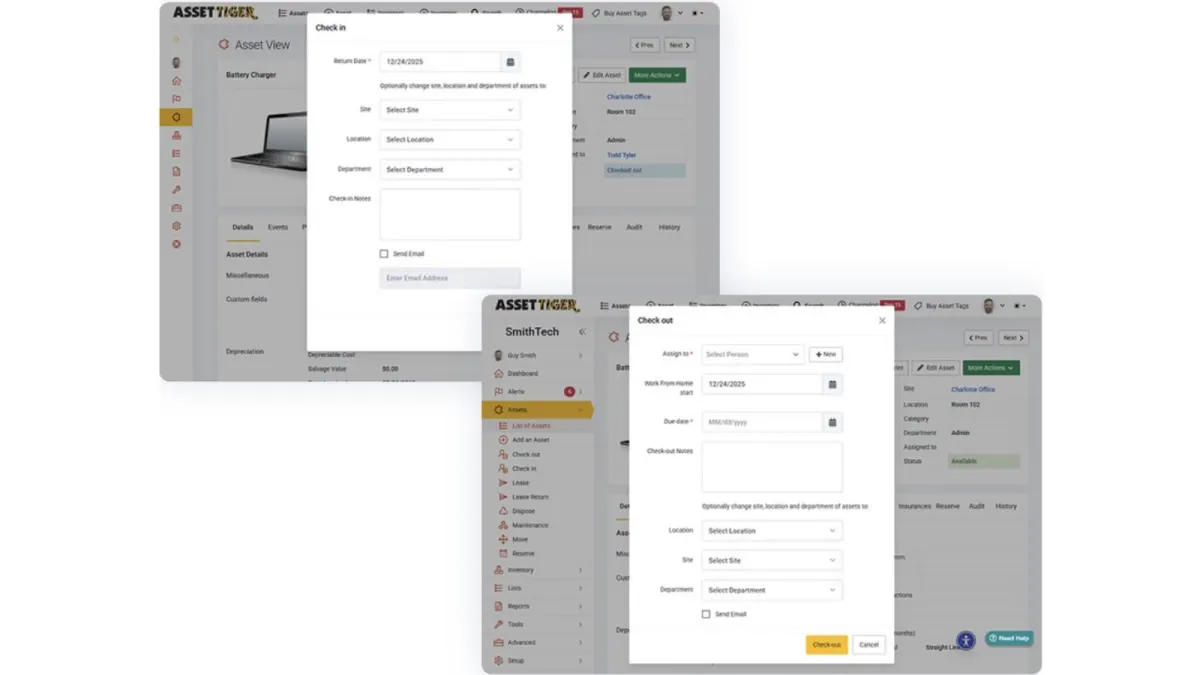
AssetTiger
Inventory & stockroomBest for: A basic, low-cost register with users, sites and locations unlimited on paid tiers.
The limitation: No signatures, no bookings and no webhooks, and no permanent free plan — the 30-day trial drops to view-only.
FAQ
Common questions
What is the best asset tracking software for small business?
One with a free or flat-priced tier that does not charge per user, so everyone who handles equipment can record it. Reftab is free for up to 50 assets, Sortly's free plan covers 100 items and one user, and Stackroom's free tier has unlimited users. Move up once you need signed custody, bookings or audits.
Do I need RFID or GPS for asset tracking?
Usually not. QR codes scanned by phone suit items that are looked up one at a time, which is most offices, schools and workshops. RFID pays off for dense stock with frequent full counts, and GPS for vehicles and high-value plant. Stackroom uses QR codes and barcodes and does not support RFID readers.
How much does asset tracking software cost?
It depends on the billing unit more than the price: per asset (AssetSonar), per item tier (Sortly, EZOfficeInventory), per administrator (Cheqroom), per agent (Freshservice) or a flat plan (Reftab). Model three years of growth in assets and people before comparing, because the unit decides which of those raises your bill.
What is the difference between asset tracking and inventory management?
Inventory management counts stock that is consumed or sold: quantities, reorder points, pack sizes. Asset tracking follows individual items that are kept and reused, each with an identity, a holder and a history. Sortly leans toward the first; most tools on this list toward the second.
Can I track assets with a spreadsheet?
For a short, stable list, yes. It breaks when items change hands often, because a spreadsheet cannot record that someone accepted responsibility, and it is out of date as soon as nobody updates it. That is usually the point where a scan-based tracker pays for itself.
Try it rather than read about it
The free tier has unlimited users and is meant for real use. Import your data and run an actual checkout before you decide.